
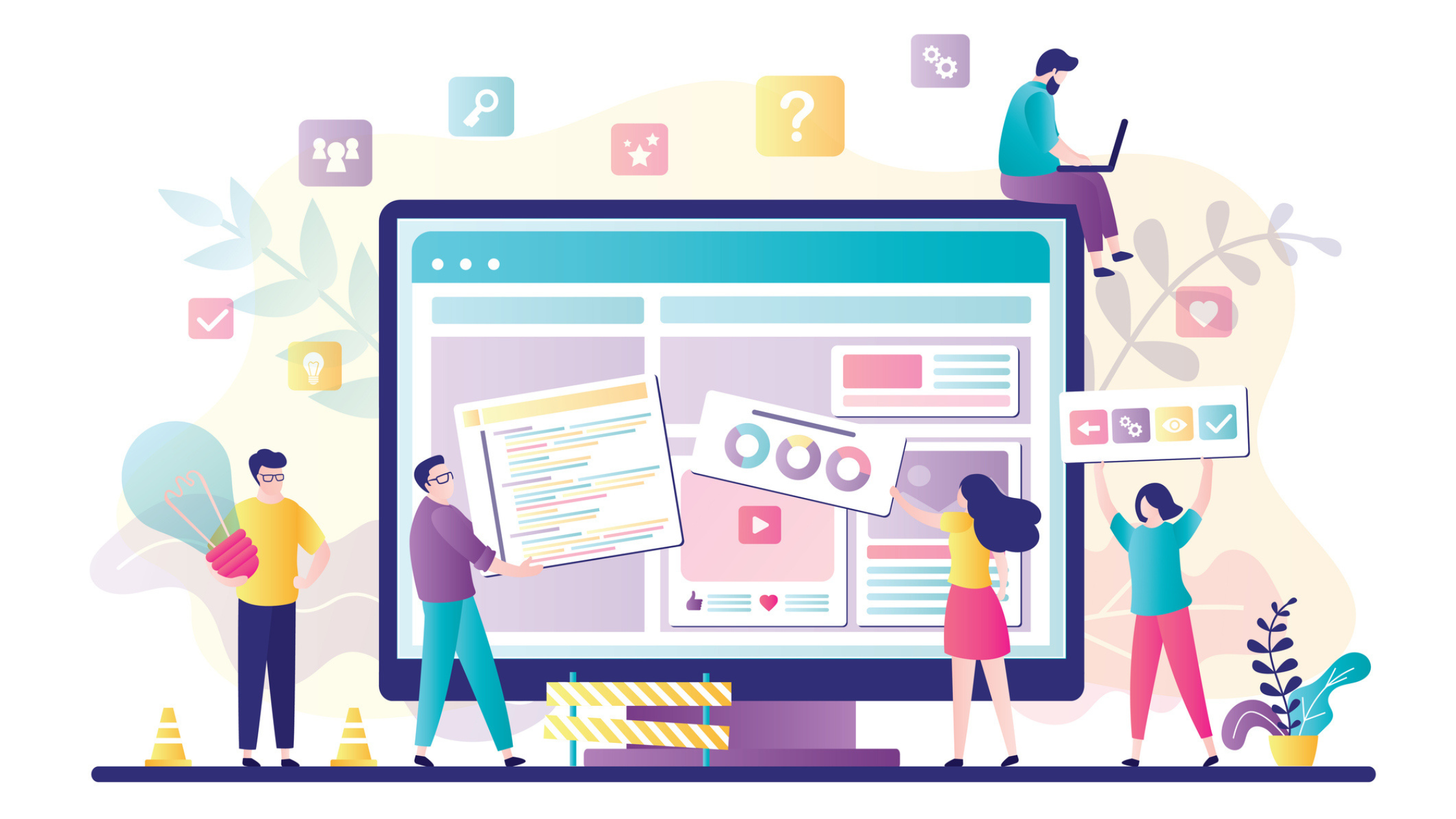
Your website is not just a digital brochure. For mission-driven organizations, it is often the first real encounter a potential supporter, donor, or partner has with your work. And if that experience is confusing, slow, or uninspiring, they are gone. Not just from your site. Potentially from your cause.
The good news? A well-designed website is one of the most powerful and cost-effective tools in your marketing arsenal. You do not need a massive budget to get it right. You need intention, clarity, and a design strategy that puts your audience first. These nine principles will help you build, or rebuild, a website that works as hard as your team does.
1. Lead With Your Mission, Not Your Menu
The first thing a visitor should understand when they land on your website is who you are and why it matters. Too many organizations lead with navigation bars, stock imagery, and generic taglines. That is a missed opportunity.
Your hero section, the very first thing visible without scrolling, should answer three questions immediately: Who are you? Who do you serve? What do you want the visitor to do next? Keep it clear, keep it human, and make your mission the headline. Everything else supports it.
2. Design for Mobile First
More than 60% of web traffic now comes from mobile devices, and that number continues to climb. If your website was designed for a desktop screen and adapted for mobile as an afterthought, your visitors are feeling that friction — and leaving because of it.
Mobile-first design means your layout, text sizing, button placement, and load speed are all built with the smallest screen in mind first, then scaled up. Tools like Google’s Mobile-Friendly Test can show you exactly where your current site falls short. If your donation button requires a magnifying glass to find on a phone, that is a conversion problem.
3. Make Your Calls to Action Unmissable
Every page on your website should have one clear, primary action you want the visitor to take. Donate. Volunteer. Subscribe. Learn more. Whatever it is, make it obvious, make it compelling, and repeat it intentionally throughout the page.
Vague CTAs like “Click Here” or “Get Involved” underperform. Specific, benefit-driven language converts. “Fund a Family’s Fresh Start” will always outperform “Donate Now.” Think about what your audience gains by taking that action and put that into the button.
4. Build Trust Visually
Trust is earned before a single word is read on your website. Visitors make split-second decisions about credibility based on design quality. Outdated layouts, inconsistent fonts, low-resolution images, and cluttered pages signal disorganization, even if your mission is exceptional.
Use real photography of your work and your people wherever possible. Feature testimonials, impact stats, and partner logos prominently. Display your nonprofit status, awards, or accreditations. These are not vanity additions; they are trust signals that reduce hesitation and increase conversion.
5. Optimize Your Donation Flow
If your donation process has too many steps, too many fields, or too many distractions, you are losing donors at the finish line. Your donation page should be the simplest, most focused page on your entire site.
Remove your navigation bar from the donation page so visitors cannot wander off. Offer suggested giving amounts with impact equivalencies — “$50 provides school supplies for one child for a year” is far more motivating than a blank dollar field. And absolutely make sure your payment process is mobile-optimized and SSL-secured. Donors need to feel safe before they give.
6. Prioritize Page Speed
A one-second delay in page load time can reduce conversions by up to 7%. For nonprofit organizations operating on tight margins, that is a significant and entirely avoidable loss.
Use Google PageSpeed Insights to audit your site’s current performance. Common culprits are oversized images, too many plugins, and unoptimized code. Compress your images before uploading, minimize redirects, and work with your web developer to address any technical issues flagged in the audit. Speed is not a technical luxury; it is a user experience necessity.
7. Create a Content Structure That Guides the Journey
Your website architecture, meaning how your pages are organized and linked together, should reflect how your audience thinks, not how your internal team is structured. A first-time visitor does not care about your organizational departments. They care about whether you can solve their problem or earn their trust.
Map out the journey you want different visitor types to take. A first-time donor has a different path than a returning volunteer or a corporate partner. Use internal linking, clear navigation labels, and well-placed CTAs to guide each audience segment toward the action most relevant to them.
8. Use Data to Make Design Decisions
Your website is never finished. It is a living, evolving tool that should be continuously improved based on how real users interact with it. Google Analytics is non-negotiable here. Set it up properly and use it consistently.
Look at your bounce rate by page, your conversion rate on donation pages, and where users drop off in your forms. Heatmap tools like Hotjar can show you exactly where visitors are clicking and scrolling, and more importantly, where they are stopping. Let the data tell you what your design cannot.
9. Keep Accessibility at the Center
An accessible website is not a nice-to-have, it is the right thing to do, and increasingly, it is also a legal requirement. Accessibility means your website can be used by people with visual, auditory, cognitive, and motor impairments.
Practically, this looks like sufficient color contrast between text and backgrounds, alt text on all images, keyboard-navigable menus, and captions on video content. Tools like WAVE or Axe can run a free accessibility audit of your current site. Designing for accessibility does not limit your creative vision; it expands your reach. Your website is your hardest-working team member. It is available 24 hours a day, seven days a week, and it either earns trust or loses it with every visit. Applying these nine principles will not just improve your design, it will improve your mission outcomes.
If you are not sure where your website currently stands, start with an honest audit. What does a first-time visitor actually experience? Where do they land, what do they feel, and what do they do next? The answers will tell you everything.
We work with mission-driven organizations to build websites that do exactly that, convert visitors into long-term supporters. If you are ready to make your website work harder for your mission, let’s talk.